Assets
Publishing with animsync
The animsync command publishes a file as a new version, with an optional review video and a 3D preview.
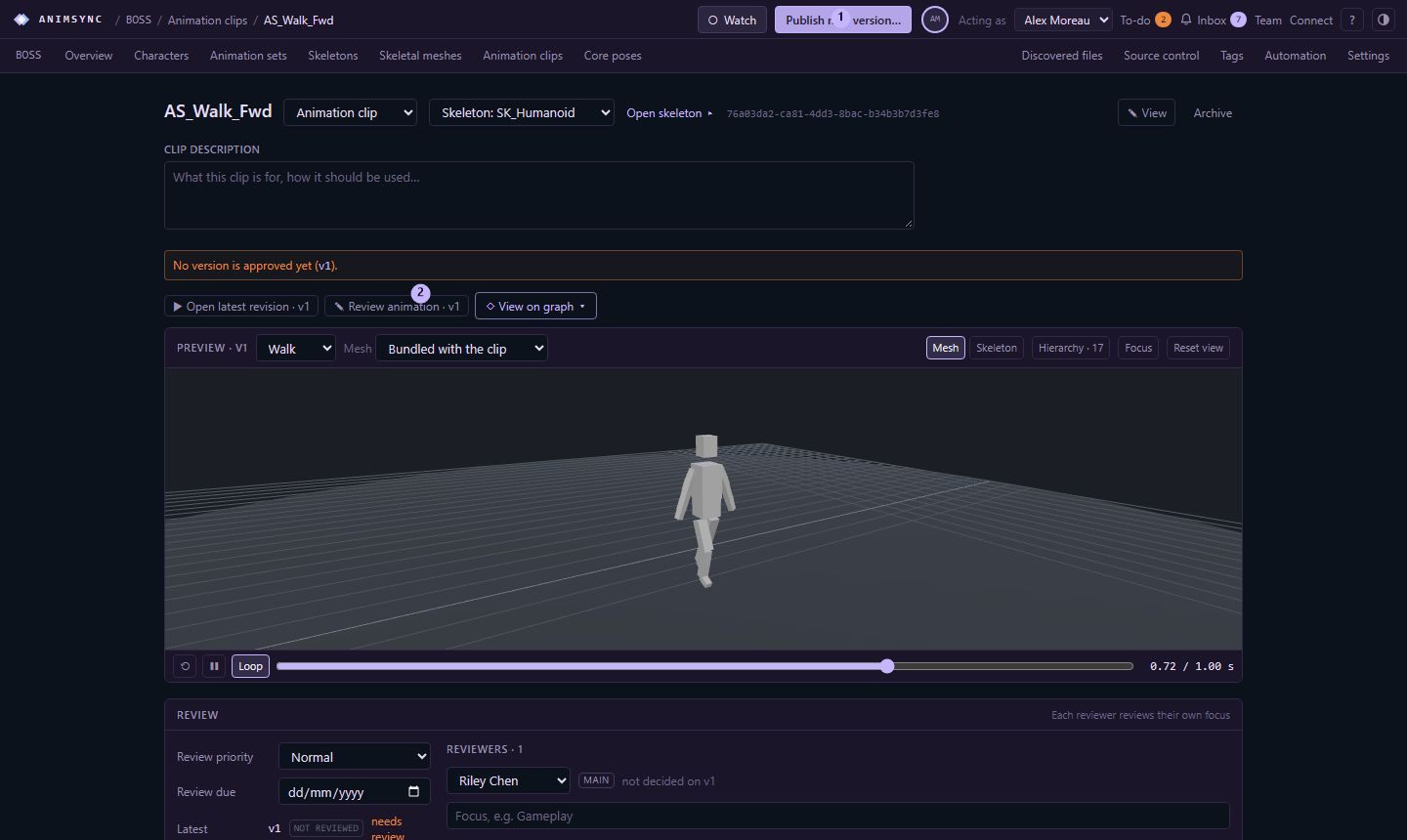
animsync is the command-line client for a self-hosted install. From a build script or a DCC tool:
animsync publish attack.fbx --project BOSS --asset AS_Attack --video attack.mp4 --fps 30 --frames 64--project is the project code. --asset is the asset. The file becomes a new version. --video attaches a review video, and --fps and --frames describe it. A preview file for the 3D viewer can be published the same way.
Uploads are checked by hash. Publishing the same bytes again does not create a second copy of the file.
animsync scan is the other half. It reads a folder on your machine and reports which files match a version that was already published. It does not upload anything.
The server has to be the one you published to, and you need a sign-in the server will accept. On a self-hosted install that is an API token or a session from an account that can contribute to the project.