Planning
Characters and skeletons
A character is who the animation is for. Several characters can share one animation set, and a character can name the skeleton it uses.
A character is who the moves are for. The moves themselves live on animation sets that the character uses, so two characters can share one combat set instead of each keeping a private copy.
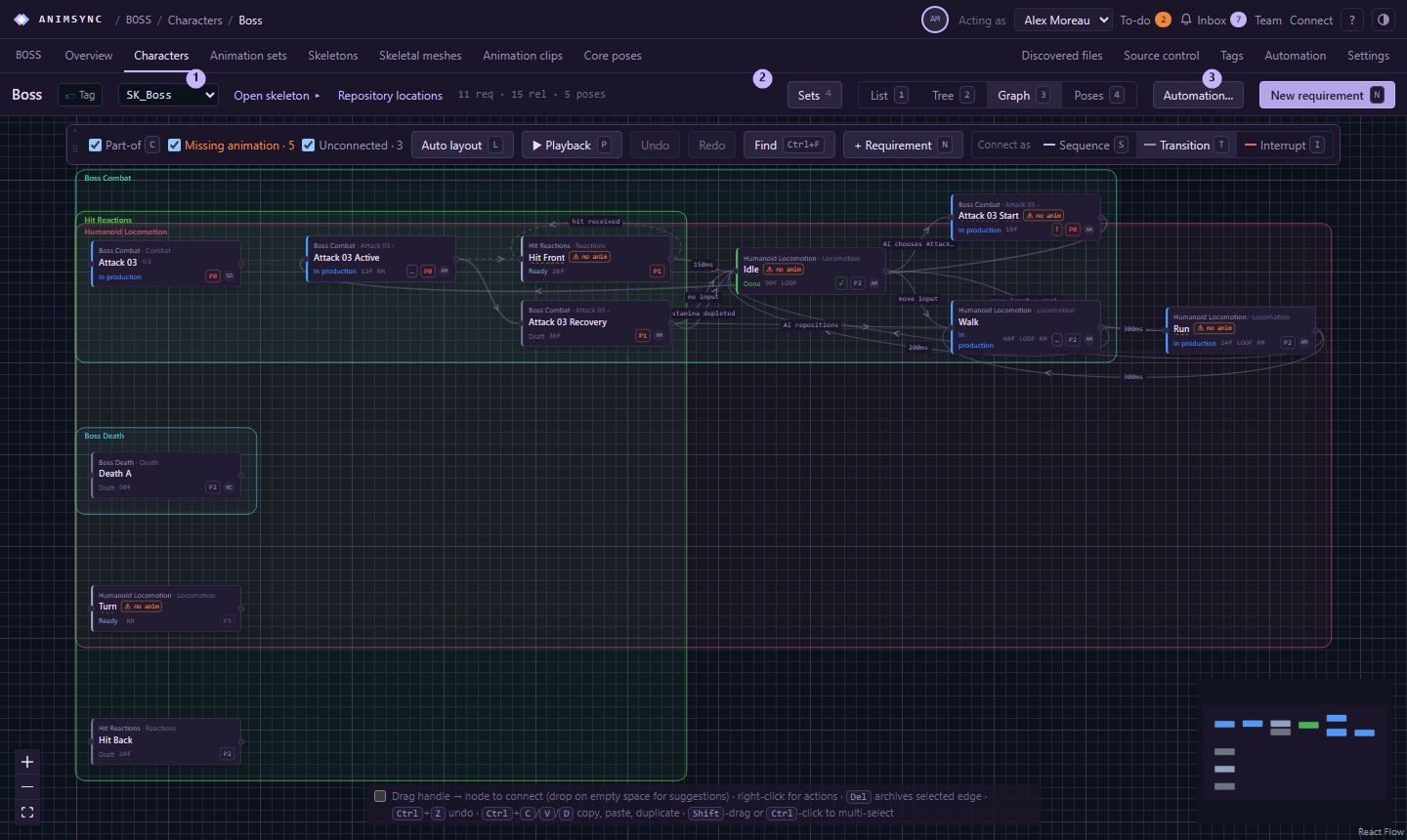
Add a character
On the project home, choose New character (or press N while that page is open).
- Name is required.
- Skeleton is optional. The list is the skeletons already planned in the project. You can leave it empty and attach one later.
- Description is optional.
The new character opens on its own page. From there you attach the animation sets it uses. The planning graph can then be opened for that character, or for one set.
Skeletons and meshes
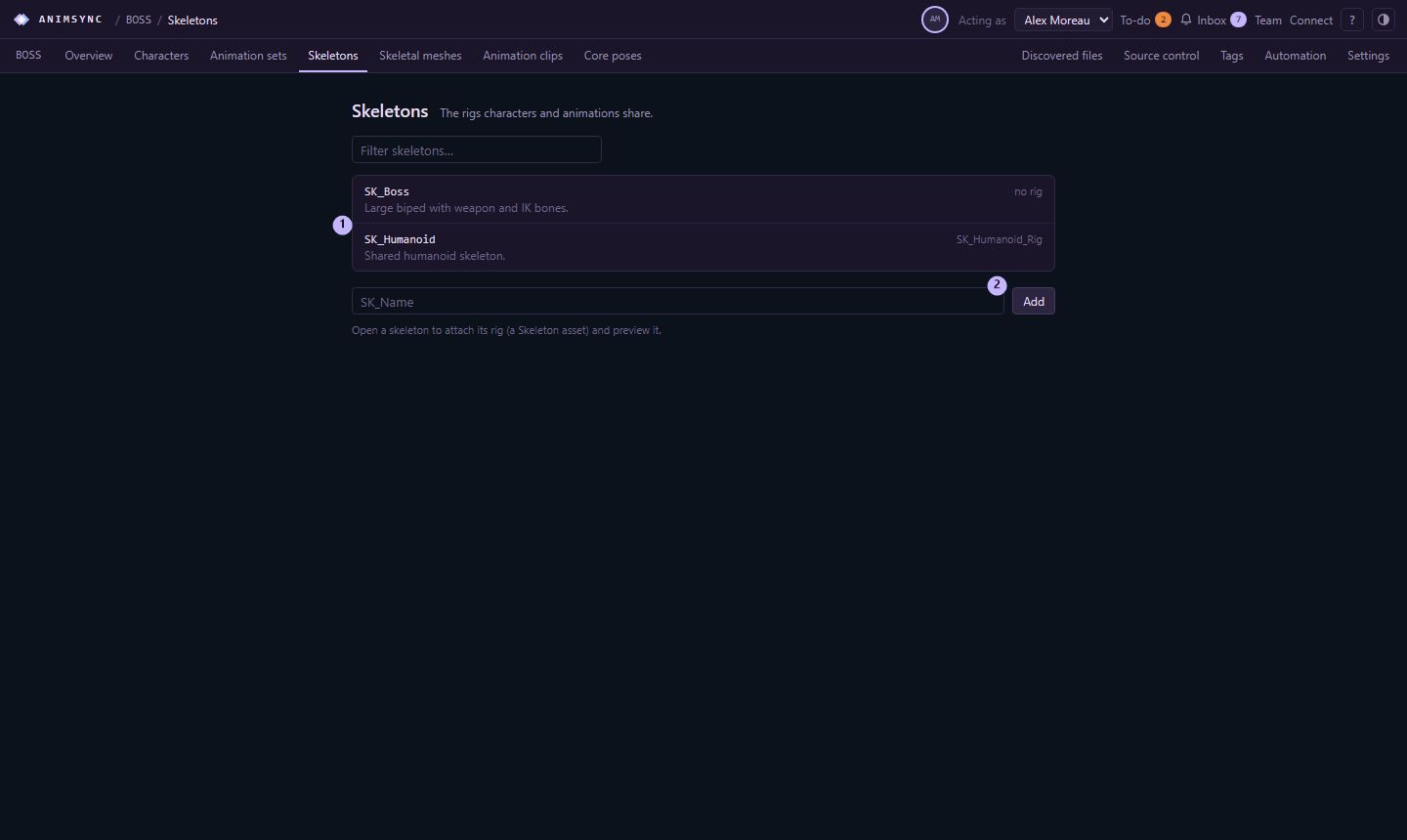
Skeletons and skeletal meshes have their own sections on the project bar. A published skeleton or mesh file is an asset linked to the planned record, so a file can be matched to the rig it was built for.
The graph for a large cast stays readable because you open one character, or one set, rather than every move in the project at once.