Planning
Core poses
Core poses belong to the project. A requirement can start from one, end on one, or use one as a reference.
A core pose is a named pose for the whole project: an idle, a contact, a recovery. It is not owned by an animation set. Every set picks from the same list, so two characters can start a move from the same stance.
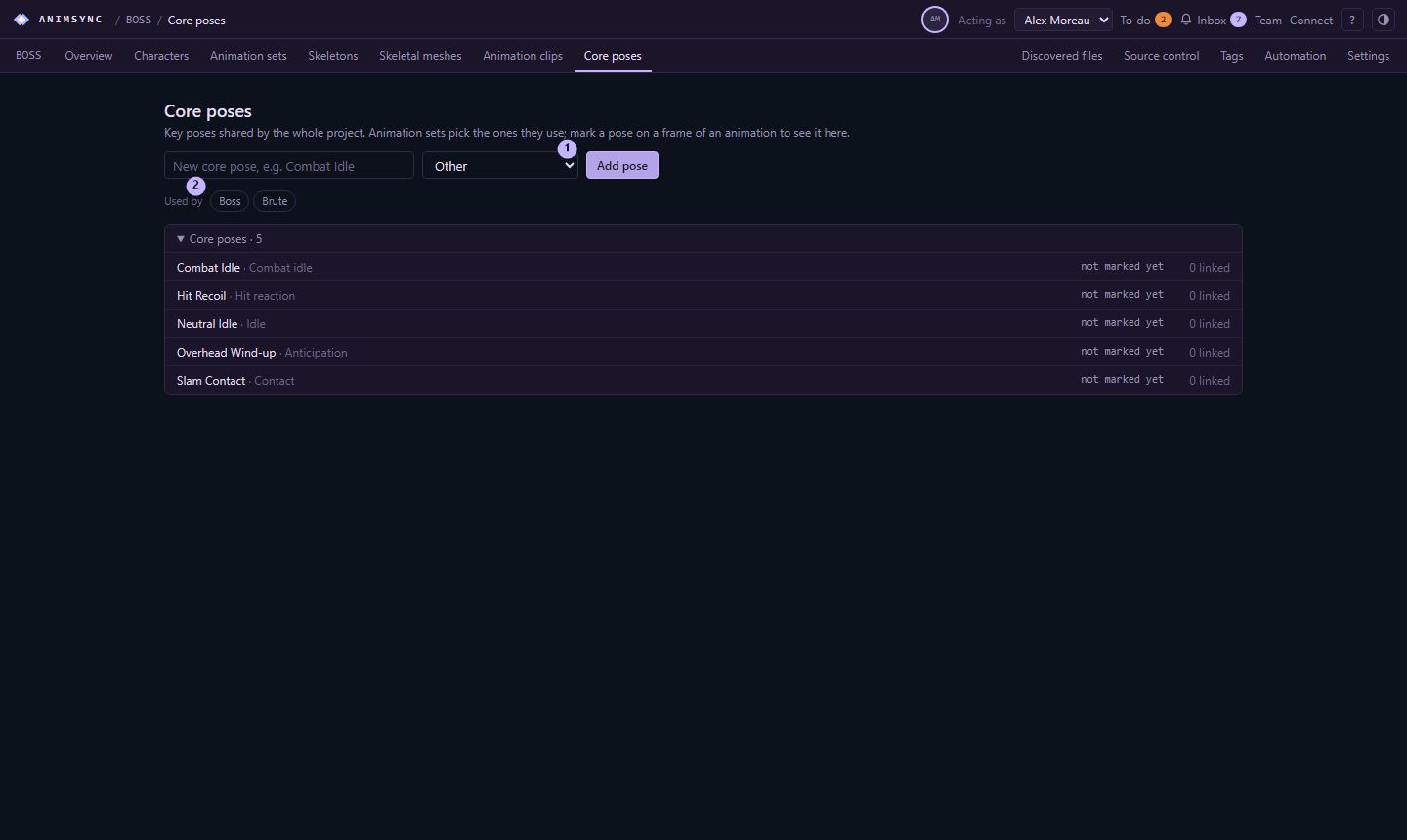
Open them from Core poses on the project bar. The page is a list and a details panel. The panel shows the marked frame and the requirements that use the pose. You can narrow the list to the characters you select.
Add one
The form at the top asks for a name and a kind. The kinds are idle, combat idle, locomotion, anticipation, contact, recovery, hit reaction, death, and other.
A core pose is a planning record. It is not a published file. When a clip later has to match one, that clip is an asset version, and the pose stays the reference.
Use one on a requirement
In the requirement's inspector, Core poses links the requirement to a pose and a role: start, end, key, or reference. The same pose can be the start of one move and the end of another. The pose's own panel lists every requirement that points at it.